Case Starter Advanced · Six-Case AI Detective Mystery Prompt Kit
BUILD YOUR 3D DETECTIVE MYSTERY GAME WITH AI AND A GUIDED PROMPT KIT
Six authored mystery scenarios. Thirty prepared prompts, five tailored to each case. Give your AI a clear starting point, with different casts, clues, locations and investigation plans already laid out.
Choose a case and set your detective, language, difficulty, atmosphere and investigation tools. Copy the prompts into ChatGPT or another suitable AI, then try its first game build and share feedback to shape your version.
Start in plain language. The prompts ask for 3D objects to inspect, evidence to connect and a case to solve. You bring your choices and feedback; the instructions are already written.
6 authored case files30 prepared promptsYour choices, your AI
Actual tool screenshot, presented in a browser mockup.01 / From idea to investigation
YOU HAVE THE MYSTERY. THE HARD PART IS MAKING IT PLAYABLE
An overnight train winds through the mountains. A parcel misses its handover, and a record contradicts someone’s story. You can picture the mystery. Knowing what to ask AI to build first is harder, especially when you’ve never coded a game.
A playable investigation needs more than a plot: objects to inspect, clues that support a conclusion and actions that move the case forward. A broad request can miss those connections and leave you with a story or text questions.
Without a plan, you can spend more time deciding what to ask next than discovering whether the mystery is fun to play.
A useful starting point makes the next request clear.
02 / The guided workflow
THE PROMPTS ARE PREPARED. YOU BRING THE MYSTERY
The prompt-writing work is already done for each case. Follow the on-screen instructions in the HTML tool: choose your scenario and options, copy the prepared prompts in order and send them to your AI. Each request has a clear purpose, so you can focus on the investigation instead of inventing instructions from scratch.
Choose and send with Prompt 1. Copy your configured case brief so the AI can confirm your choices and scope.
Plan with Prompts 2 and 3. Ask for the cast, motives and clues, then the player’s investigation steps and the logic linking the evidence.
Build and play with Prompt 4. Request 3D game code from the approved plan, then follow the launch instructions to try your first version.
Refine with Prompt 5. Share your playtest feedback and the game code with AI to request clearer interactions, story adjustments or repairs.
INSIDE THE TOOL / PREPARED PROMPT & COPY CONTROLS
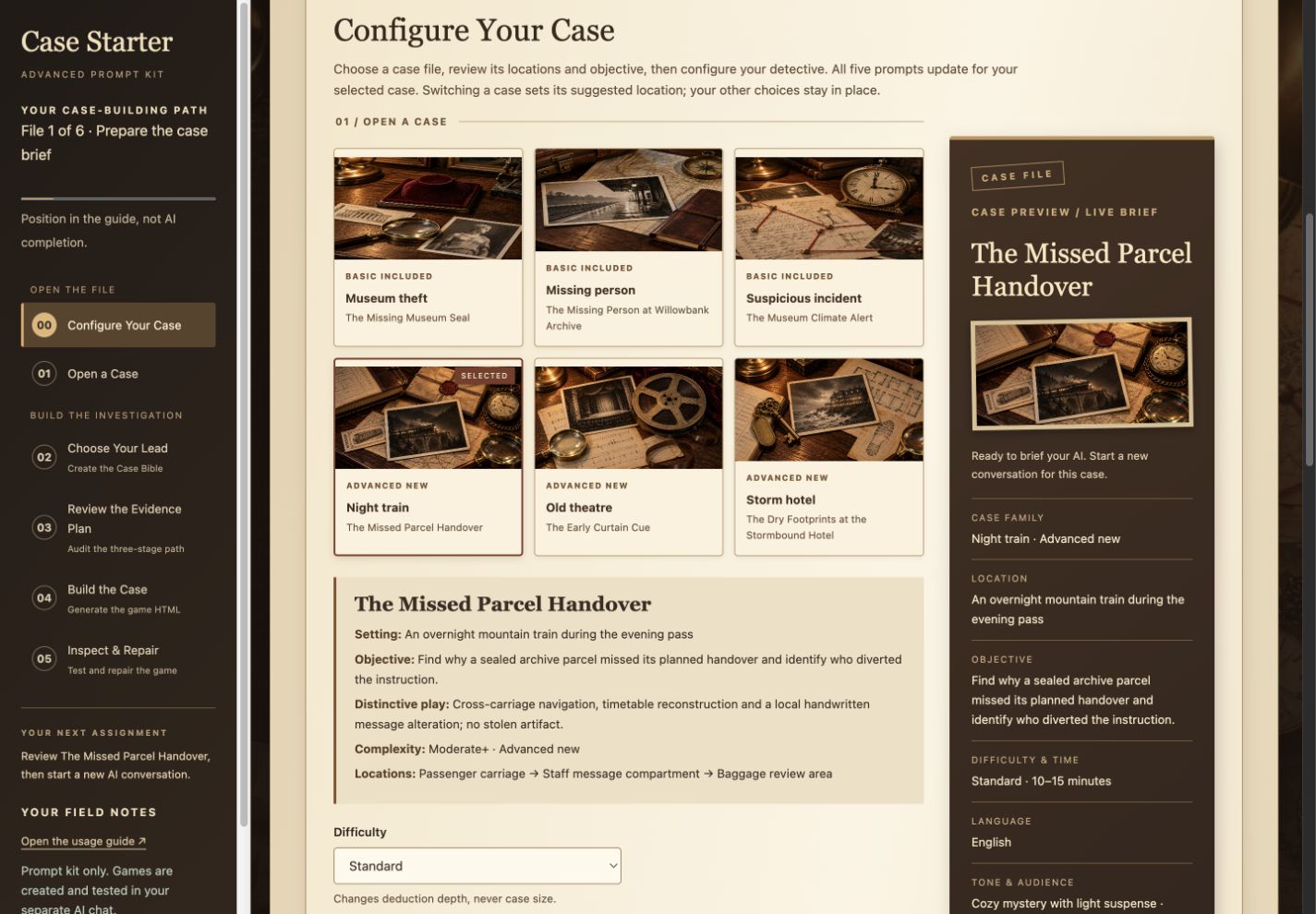
Copy your configured prompt, then continue through the case’s five steps.
Click the screenshot to view it at full size.
Keep all five prompts in one AI conversation for each case. Send them one at a time, reviewing and approving each checkpoint before moving on.
Choose the investigation you want to explore first. Each scenario below gives the workflow a different setting and trail of evidence.
03 / Six different trails to follow
CHOOSE THE CASE THAT MAKES YOU WANT TO INVESTIGATE
Recover an artifact, locate a missing person or uncover the cause of an unusual incident. Each scenario gives your AI a distinct mystery to develop.
FILE 01
The Missing Museum Seal
Basic-included scenario · Small museum after closing
An original seal has vanished. Establish the removal window and trace where it was handled.
Link identification, timing and custody records across the collection room, dispatch alcove and security review.
FILE 02
The Missing Person at Willowbank Archive
Basic-included scenario · Museum archive after closing
Lila is unaccounted for. Trace her last movements and discover what prevents her return.
Use corridor records, an intercom and latch tests to establish her whereabouts before determining responsibility.
FILE 03
The Museum Climate Alert
Basic-included scenario · Museum exhibit after closing
An exhibit cabinet triggers a climate alert, but the independent readings raise a different question.
Run a fictional two-input diagnostic test, observe its response and compare the maintenance records to investigate the cause.
FILE 04
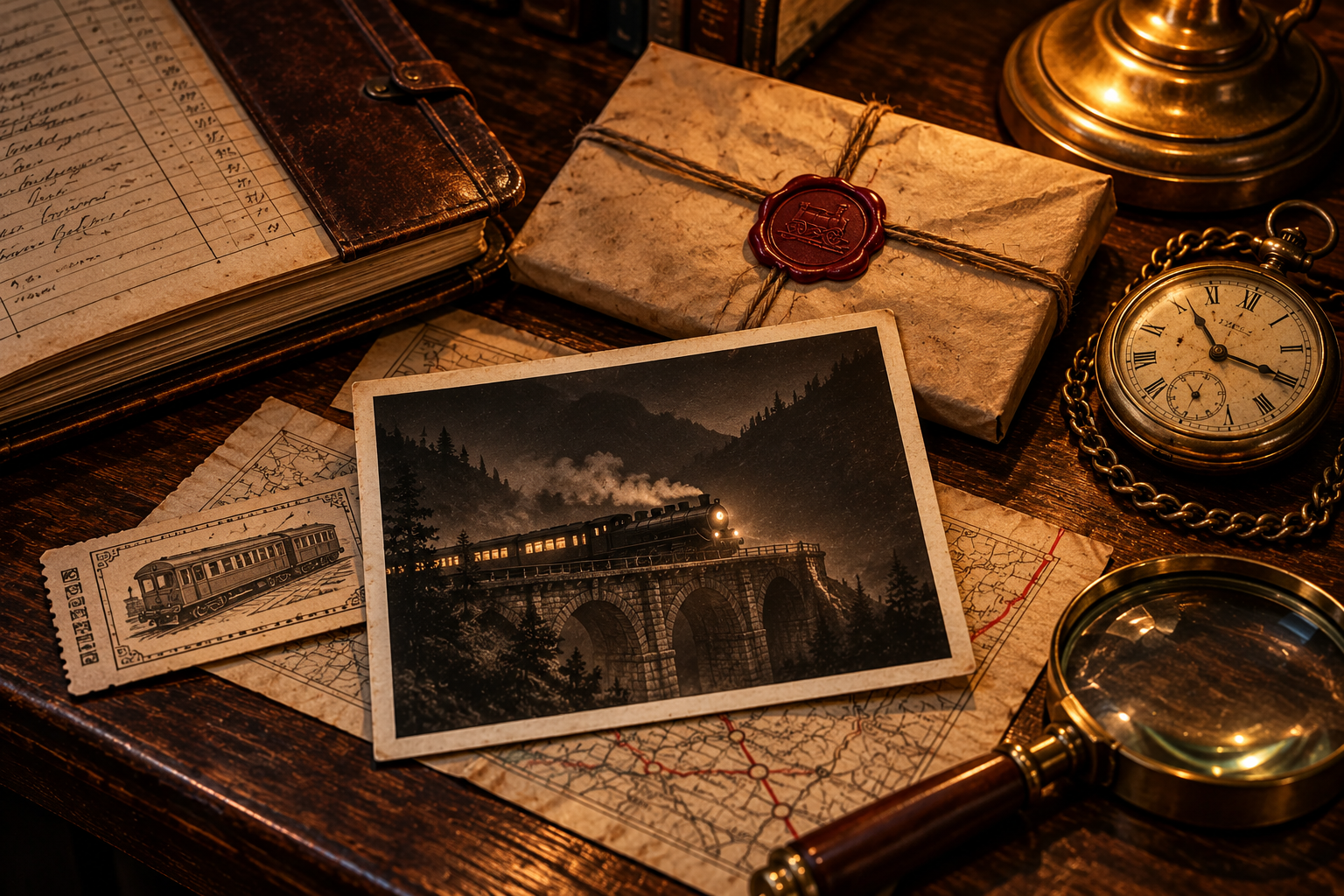
The Missed Parcel Handover
New Advanced scenario · Overnight mountain train during the evening pass
A sealed archive parcel misses its scheduled handover. Was the instruction changed?
Follow the timetable, bound routing page and custody records through the passenger carriage, staff compartment and baggage review area.
FILE 05
The Early Curtain Cue
New Advanced scenario · Old theatre before its opening performance
The curtain cue arrives early. Examine the rehearsal reel before the opening performance.
Inspect the reel and align its visual waveform across the stage, prop and reel room, and cue booth to investigate the timing.
FILE 06
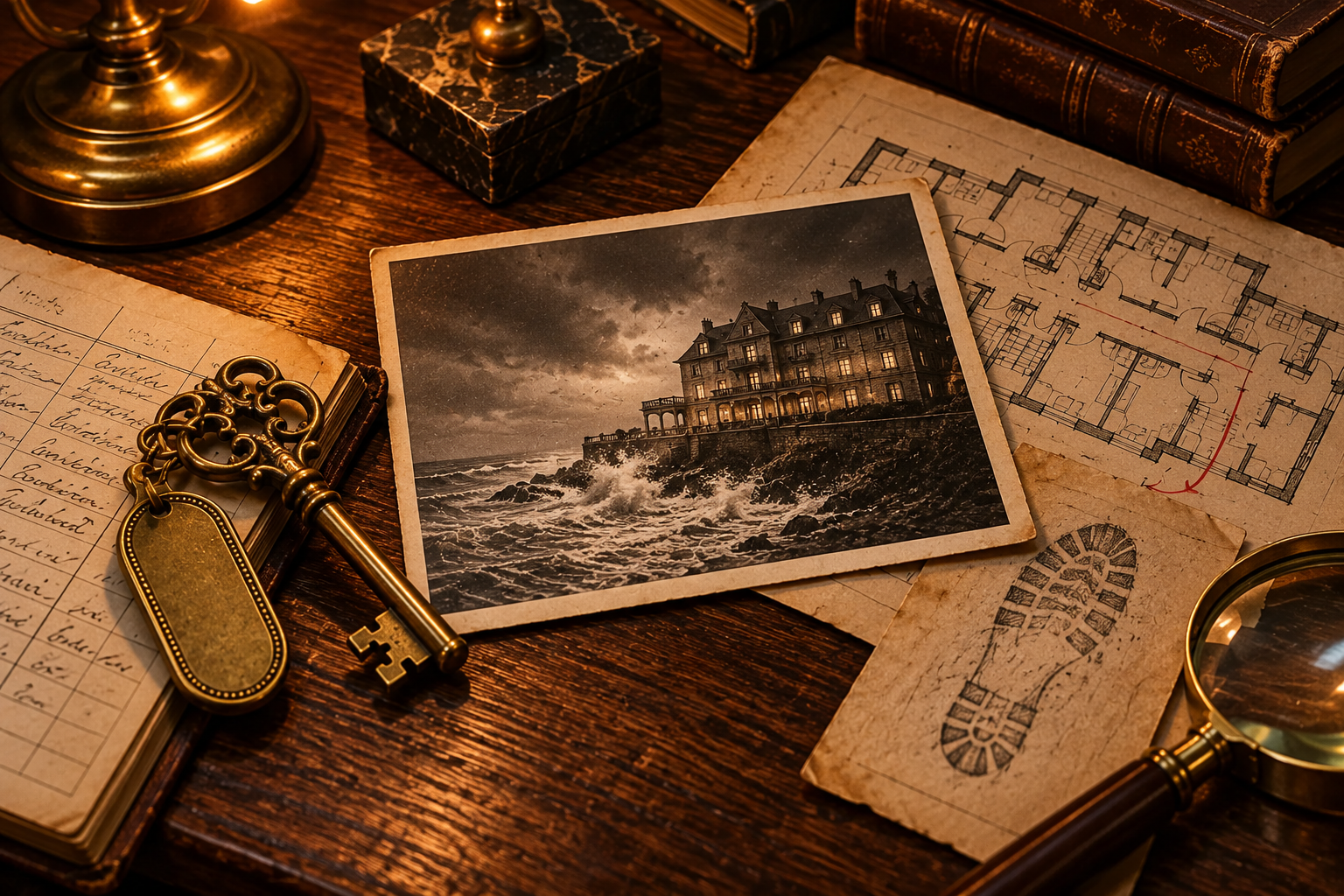
The Dry Footprints at the Stormbound Hotel
New Advanced scenario · Seaside hotel during a stormy evening
An intrusion is reported in a locked room during a storm. Do the physical traces support the account?
Test the traces against weather, room seals and access records in the lobby, Room 214 corridor and housekeeping bay.
Case thumbnails are AI-created setting illustrations, not gameplay screenshots.
Now shape the version of that case you want AI to build.
04 / Shape your version
SHAPE YOUR VERSION BEFORE AI STARTS THE BUILD
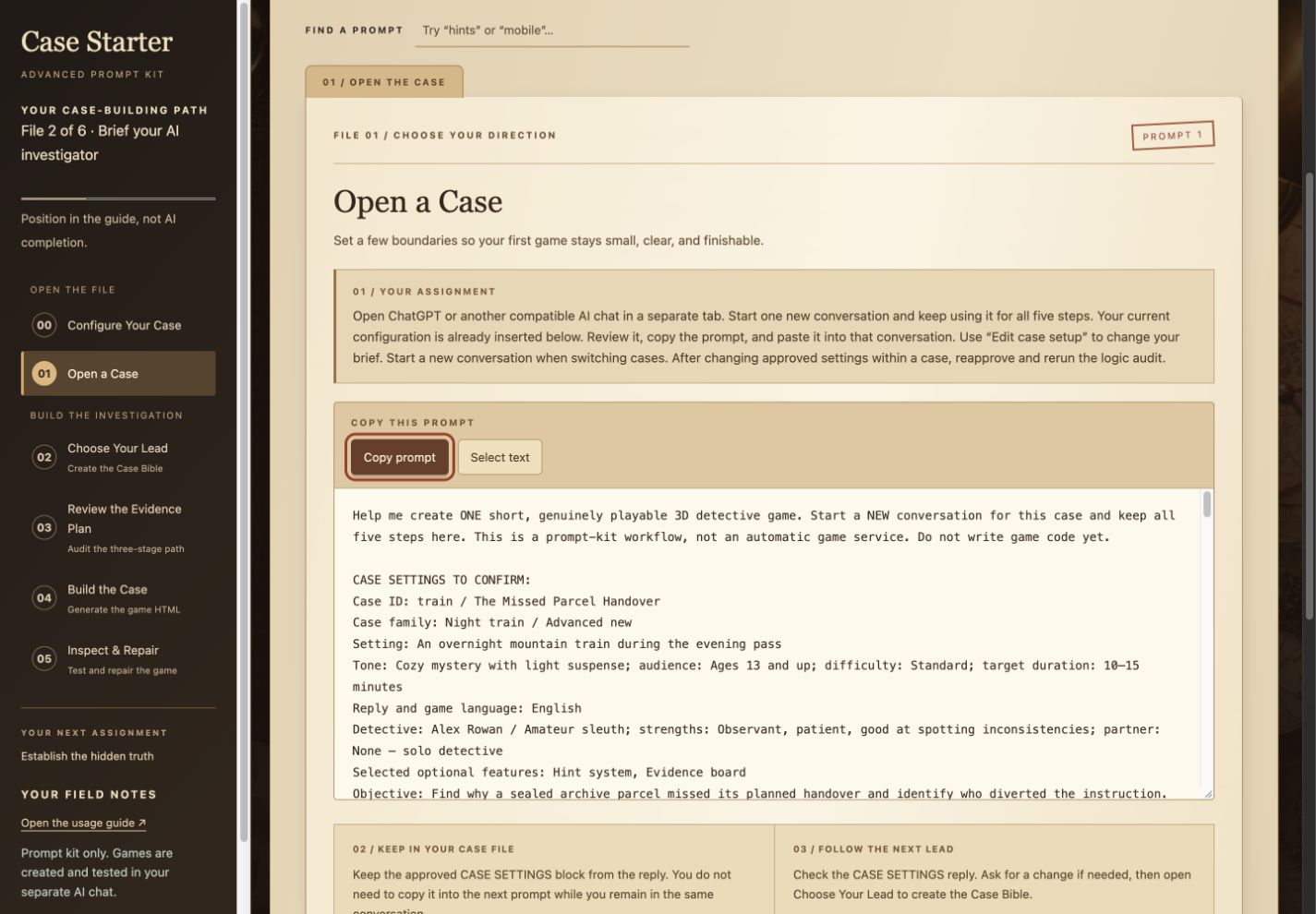
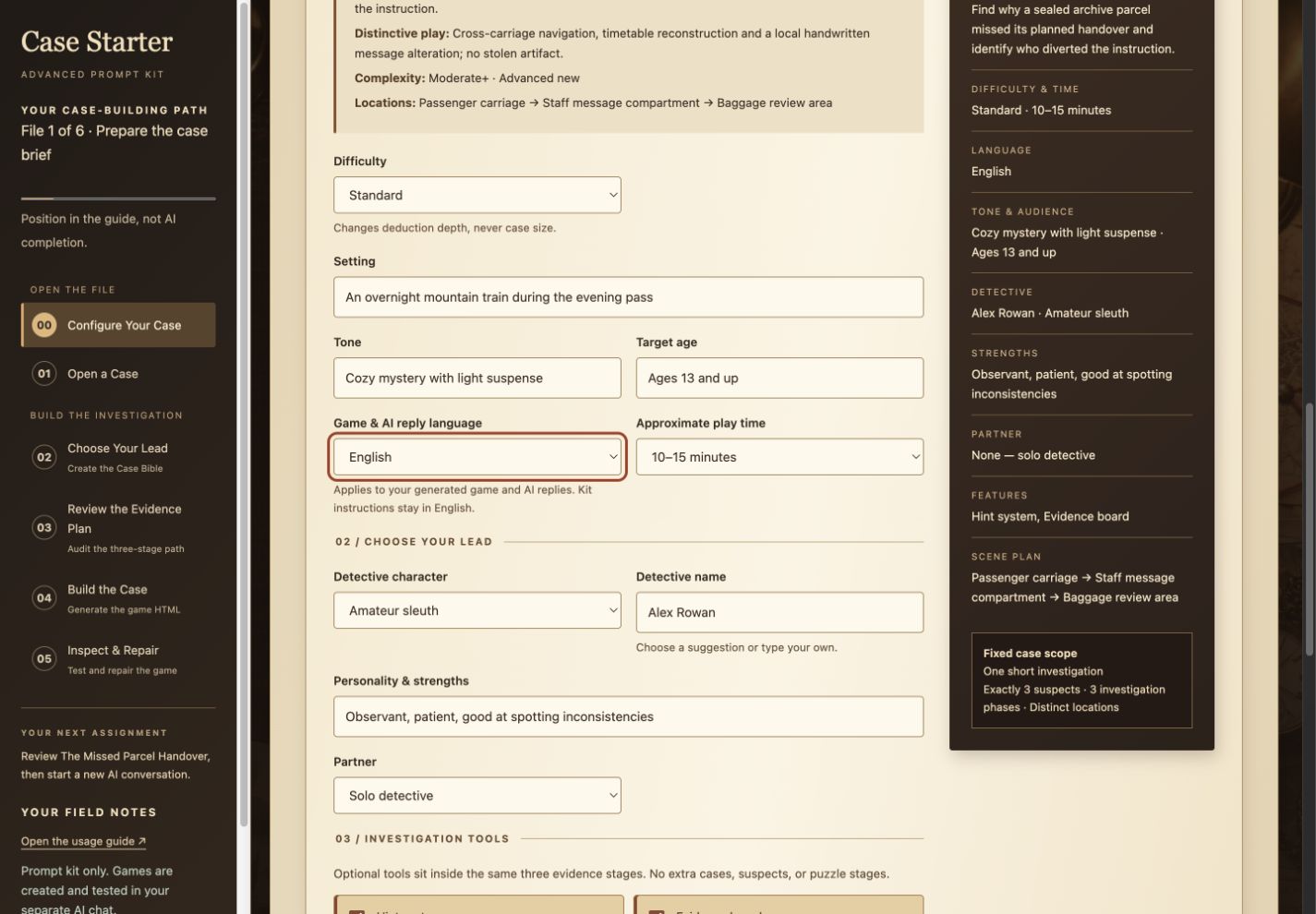
Use the tool’s menus, text fields and checkboxes to shape your selected case. The Case Preview updates with your choices, and the prompts include them automatically.
Language, difficulty and length. Choose or enter a language for the game and AI replies. Select Easy, Standard or Challenging and a playtime target of 5–10, 10–15 or 15–20 minutes.
Setting, atmosphere and audience. Edit the setting description, tone and intended audience. Give your selected scenario a cozy mood with light suspense or a more serious atmosphere.
Your detective. Choose an amateur sleuth, journalist or private investigator, or enter a role. Name your detective, describe their personality and strengths, and investigate solo or with one named partner.
Investigation tools. Start with hints and an evidence board selected, or change your choices. Add scripted suspect interviews, a small inventory or a limited branching choice that rejoins the same case.
Actual configuration screen: your choices appear in the live Case Preview.
These choices shape the presentation and play experience within your selected scenario while keeping its central mystery and evidence connected. Check the Case Preview before copying your configured prompt.
Here’s how the two packages give you different starting points.
05 / Choose your next starting point
START WITH THREE MYSTERY DIRECTIONS OR EXPLORE SIX AUTHORED CASES
Basic starts with three mystery directions. Advanced adds authored case plans and more settings for your next investigations.
What you want to explore
Basic
Advanced
Case variety
Museum theft, missing person and suspicious incident.
Six authored cases, including three additional settings: a night train, old theatre and stormbound hotel.
Prepared prompts
One five-prompt sequence adapted to your direction and options.
Five tailored prompts per case; 30 in total.
3D character direction
Requests recognizable faces, hair, outfits and poses.
Adds detailed briefs for each cast’s individual appearance and readable lighting in its setting.
Player guidance and exploration
Requests a current action, highlighted target and feedback at the investigation table.
Extends the guide across locations, scene changes and notebook comparisons.
Both prompt workflows keep each case focused on three suspects and three investigation phases.
Choose Advanced when you want more variety and case-specific direction; Basic remains available for the workflow you’ve already started.
See those investigation actions on screen in the demo below.
06 / Gameplay in view
SEE HOW AN ADVANCED INVESTIGATION TAKES SHAPE ON SCREEN
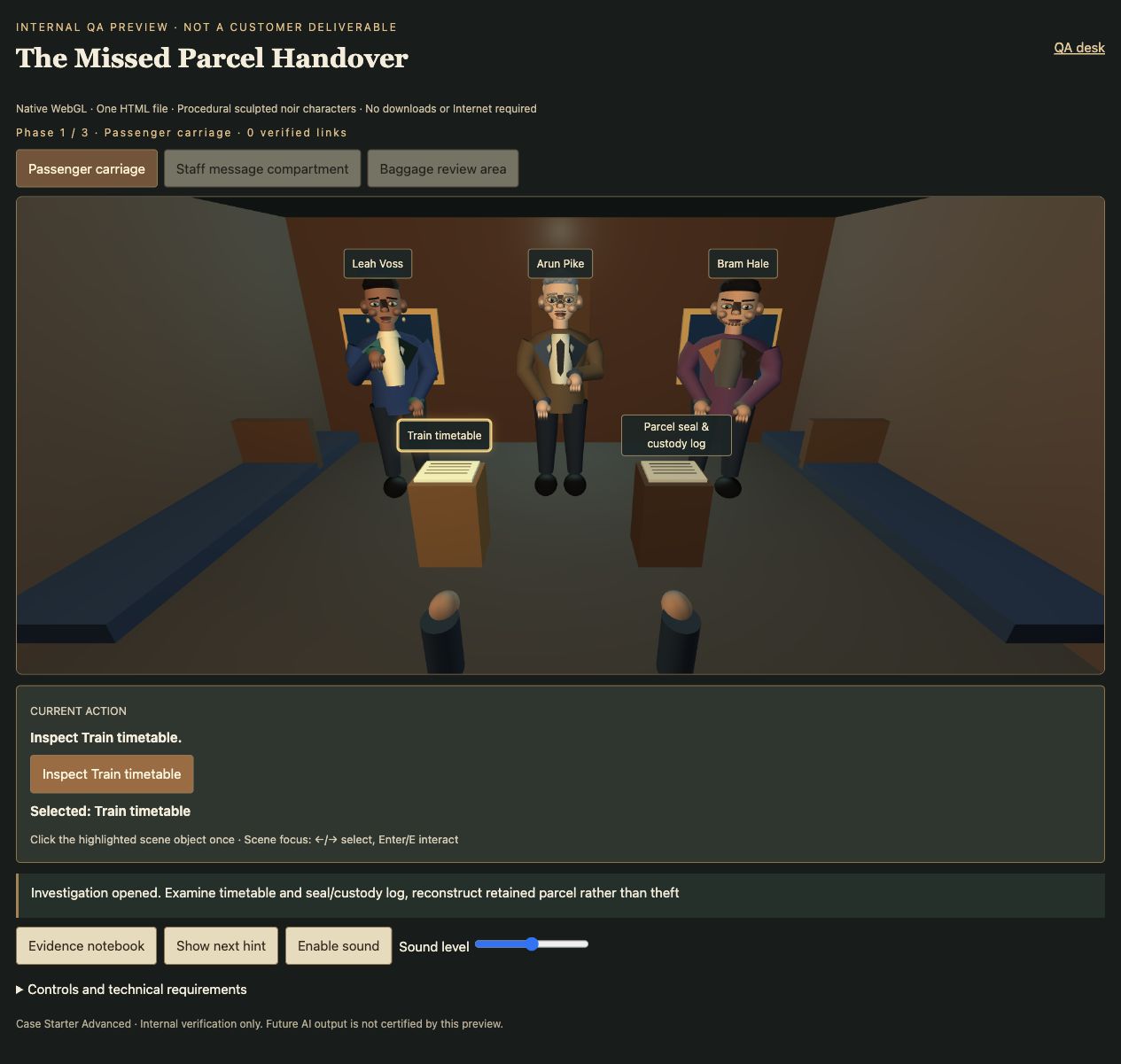
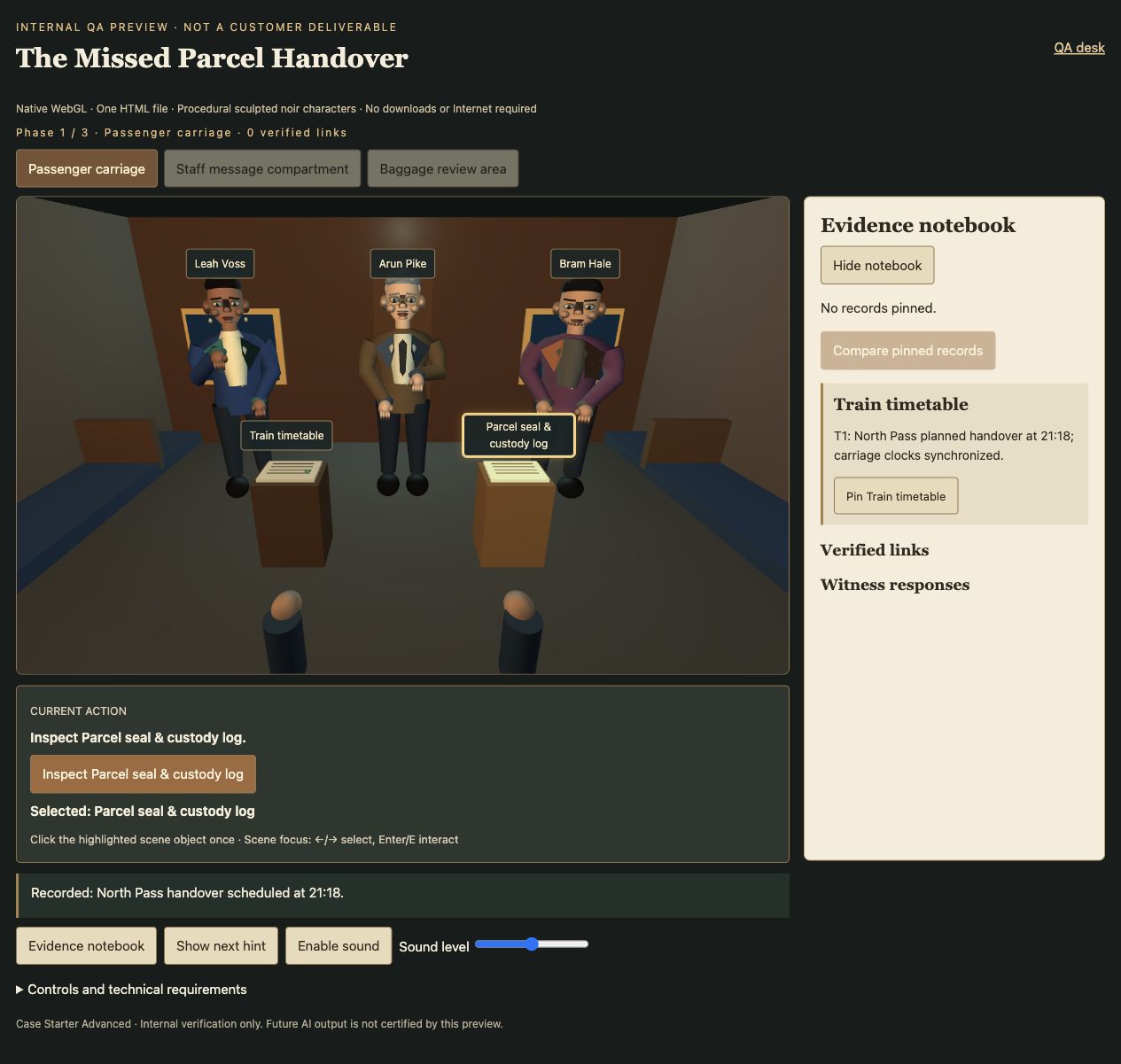
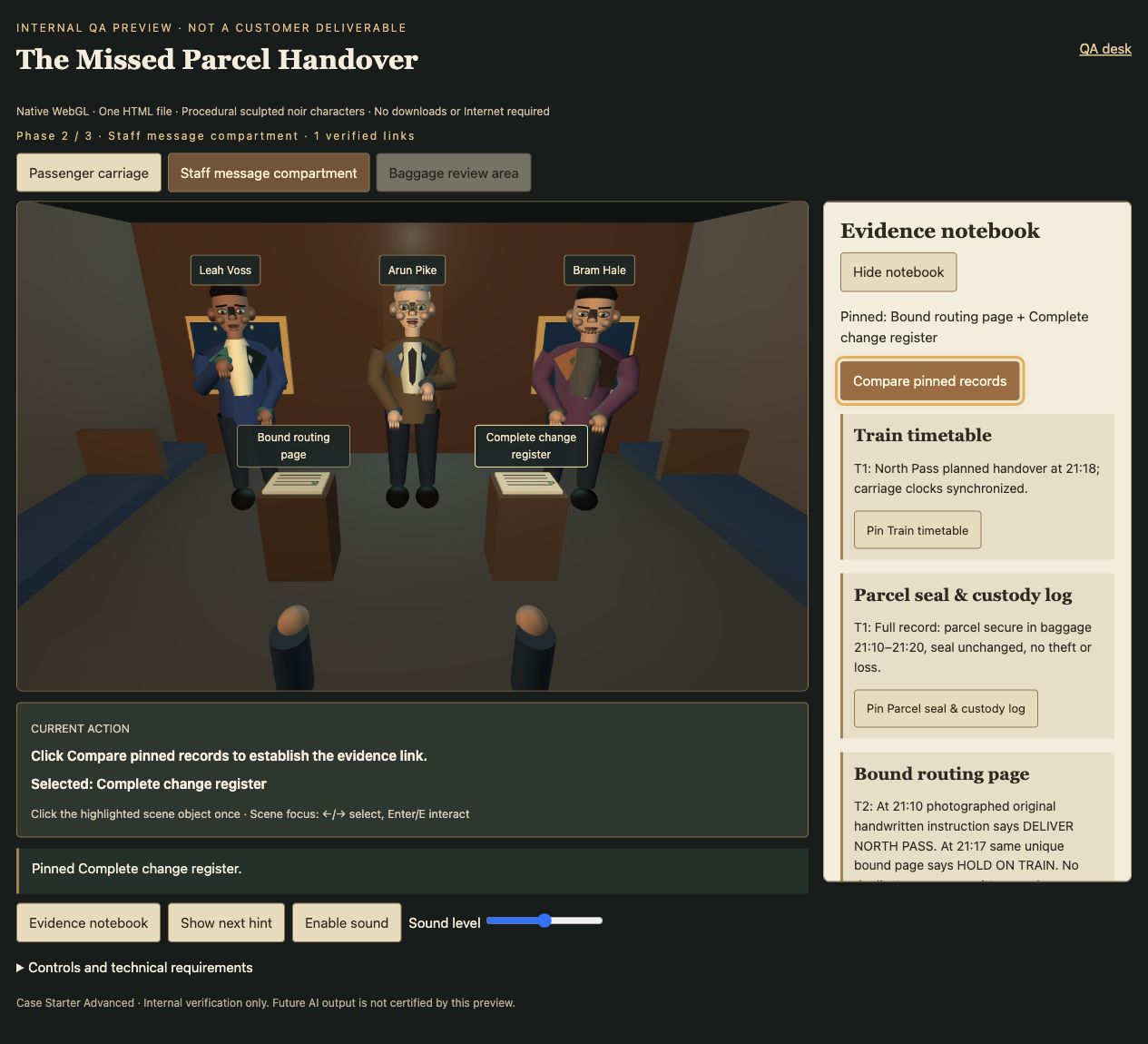
In The Missed Parcel Handover, click the highlighted timetable, collect its evidence and follow the next action. Move to the staff compartment to compare the routing page with the change register, then continue to baggage review. The trail shows how inspections, records and locations can form one connected investigation.
01 / Find the current targetFind your next action: inspect the highlighted timetable.02 / Record what you discoverKeep collected clues beside the scene while you follow the next instruction.03 / Connect the evidencePin two records and compare them to advance the investigation.
Screenshots from an illustrative gameplay demo; the game is not included with your purchase.
Add these new investigations to your prompt workflow with the optional upgrade below.
07 / Your optional Advanced upgrade
UPGRADE TO ADVANCED FOR $17
Optional upgrade after your Basic purchase: an additional $17.
Add three new investigations to your prompt kit, bringing your collection to six cases and 30 case-specific prompts. Advanced gives your AI more detailed direction for distinctive 3D characters, connected clues and investigations that move across multiple locations.
You’ll receive the Advanced HTML prompt tool to use with your own AI.